For communities
Run a board for your holders and let City Bot handle the raffles, with nothing to deploy or maintain. We host it.
Get your board
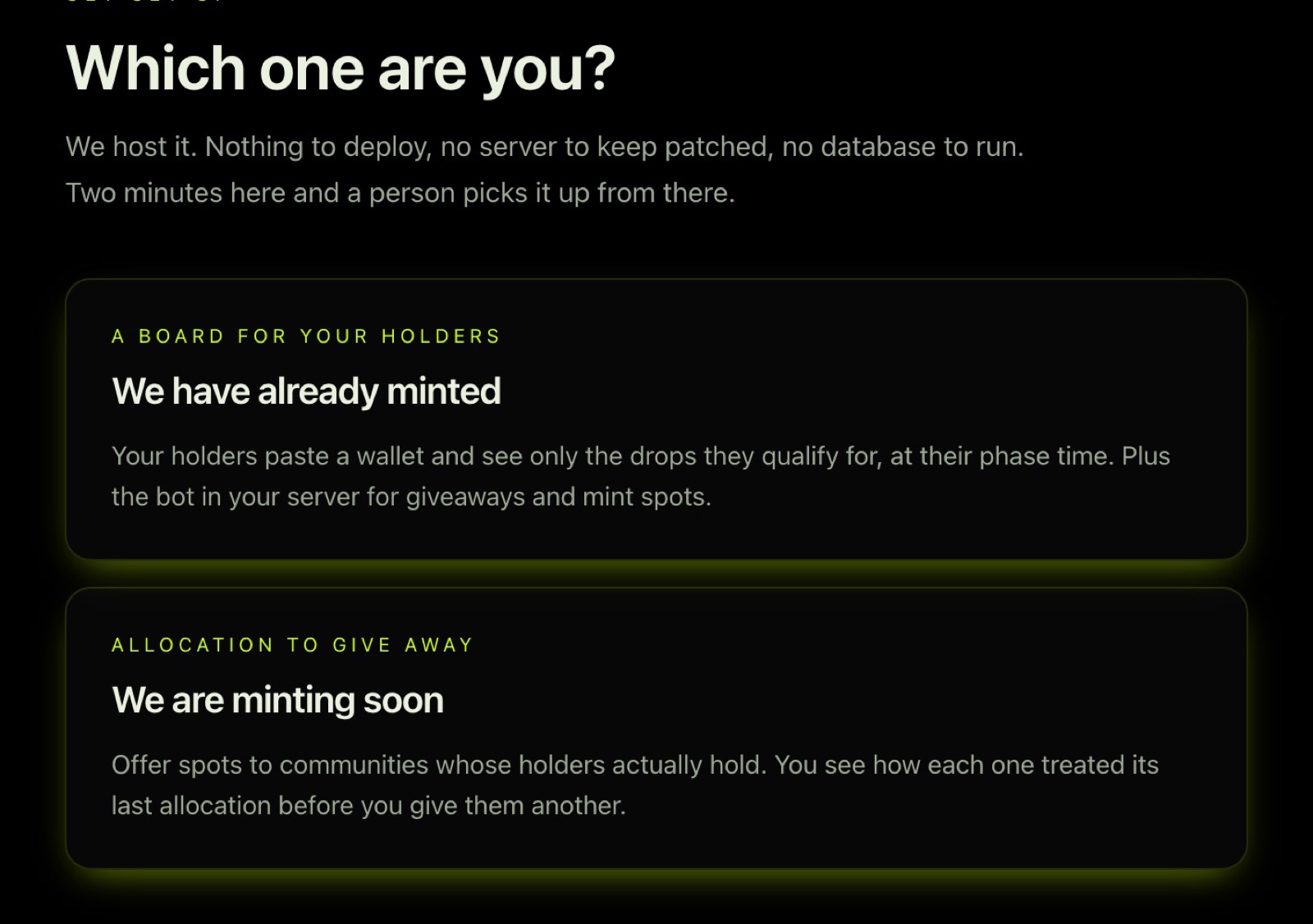
- Go to Get a board and choose We have already minted.
- Give us your project name, a contact, your X handle, your contract, and your Discord invite. Add your Discord server id if you want the bot.
- We check that your contract resolves and your holders read correctly, then your board goes up in your colours. You get a sign-in for the admin. It usually takes a day.
Add City Bot to your server
Press Add to Discord on Add the bot. City Bot does nothing until you open your first raffle; it will not post or ping anyone before then.
Run a raffle or giveaway
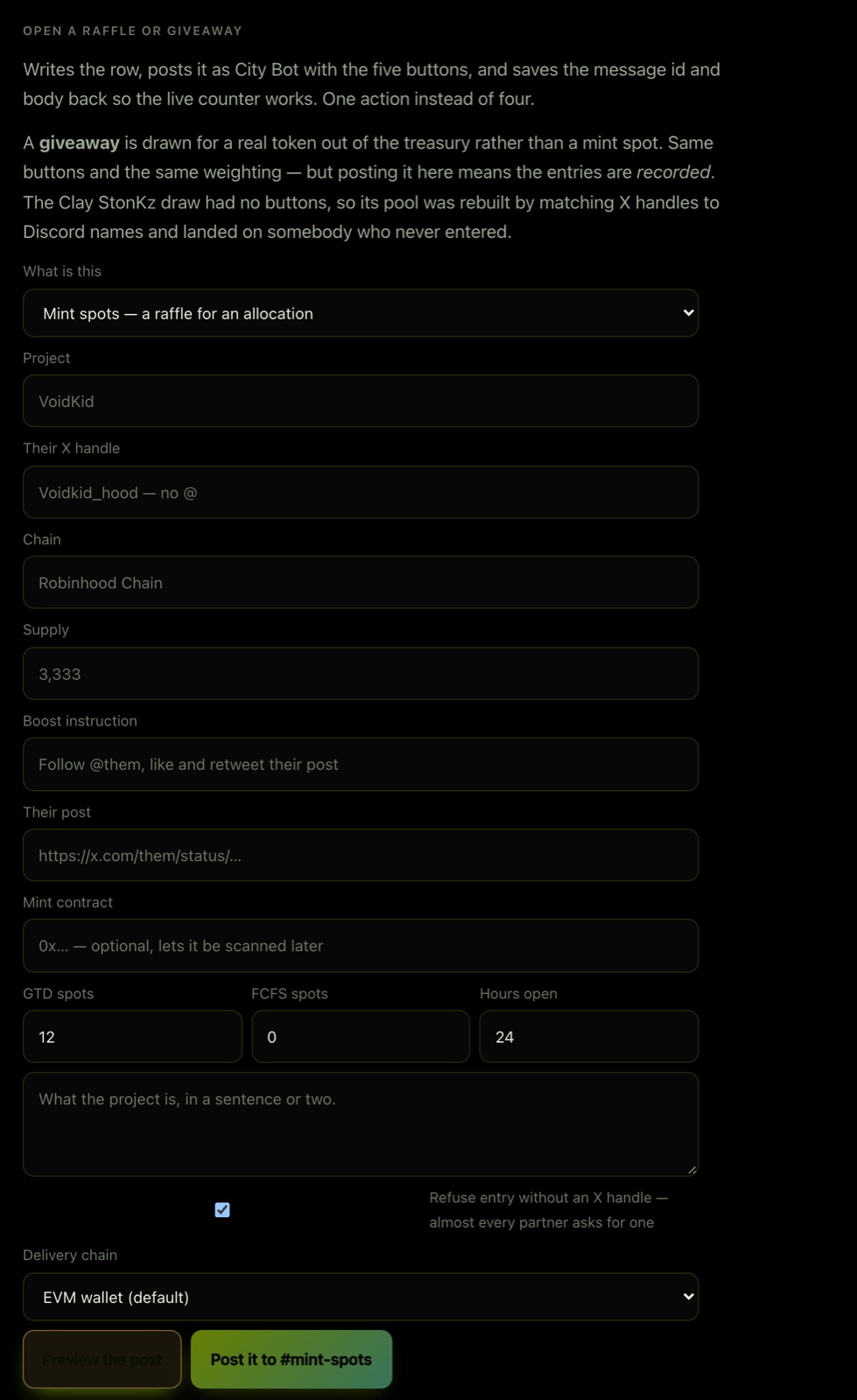
Sign in at Admin and use Open a raffle or giveaway:
- Choose Mint spots, a raffle for an allocation a project gave you, or Giveaway, a real token from your treasury.
- Fill in the project, GTD spots and FCFS spots (or Winners for a giveaway), and Hours open. For a giveaway, name The prize.
- Optional: - Boost instruction and Their post: what entrants do on X for extra tickets. - Refuse entry without an X handle: tick it when the project needs handles on its list. Most do. - Chain, Supply, Mint contract: shown on the post, and used to measure the mint afterwards. - Delivery chain: EVM wallet by default, or Zcash for projects that mint there.
- Press Preview the post to see exactly what City Bot will post, then confirm.
City Bot posts it with the entry buttons and keeps a live count of entries and tickets.
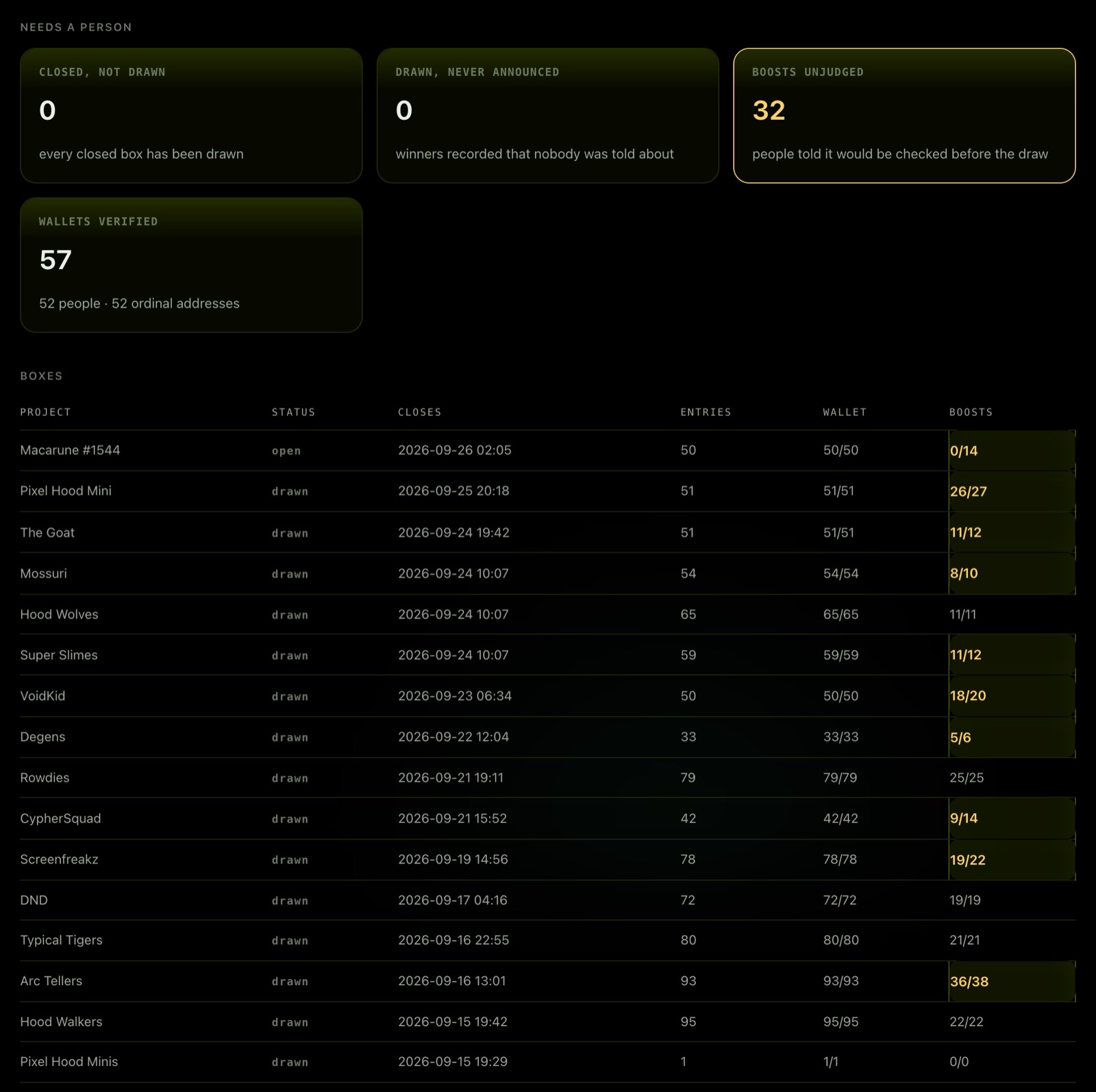
At close it draws by itself from a published seed and tags the winners. The admin's Needs a person panel shows anything that closed but was not drawn or not announced, with a repair button.
Send the winners
The team sends the winners sheet to the project's contact. Every row has a wallet on file and was checked against the entry rules. Winners also see their spot on your board.
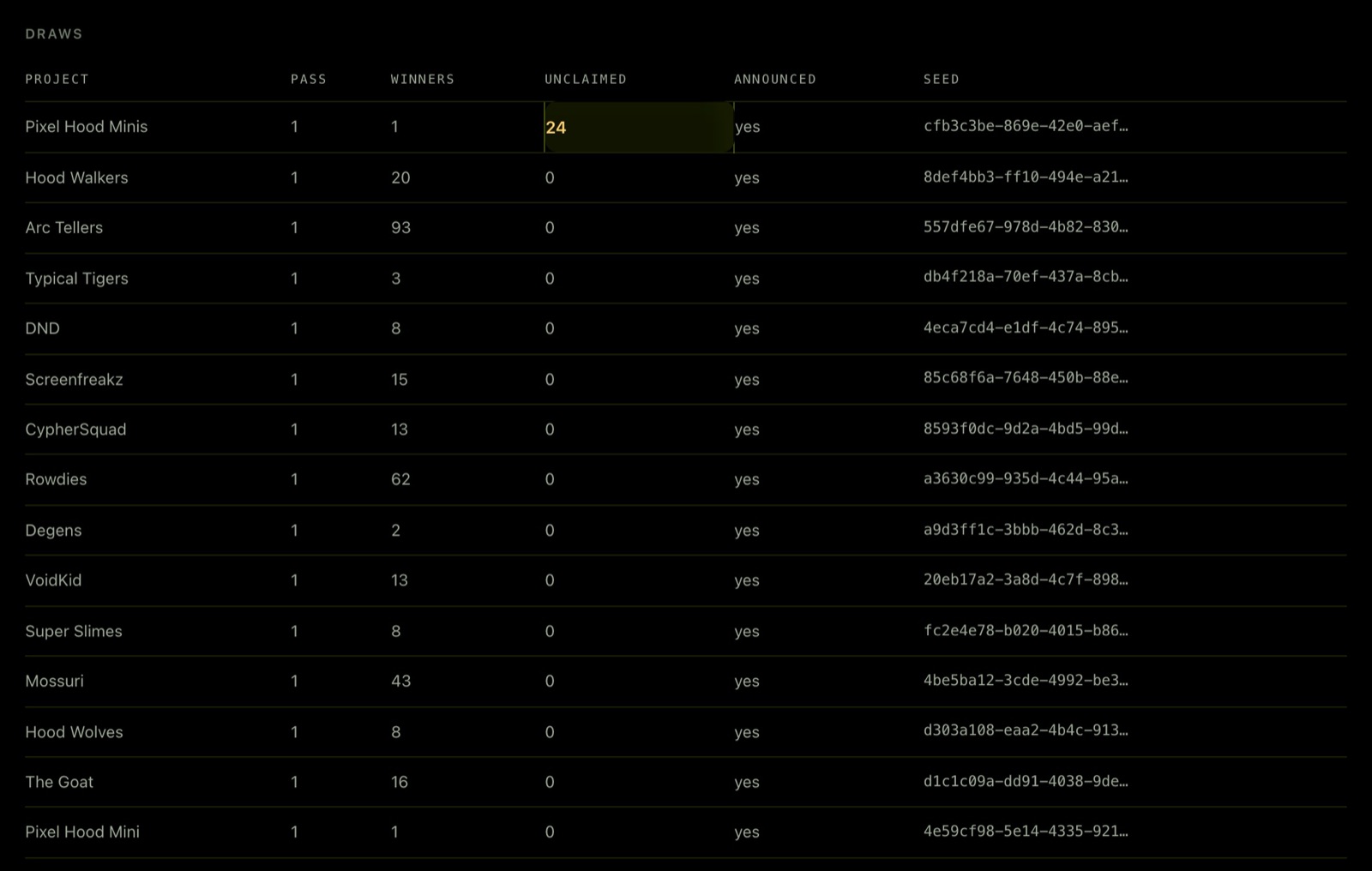
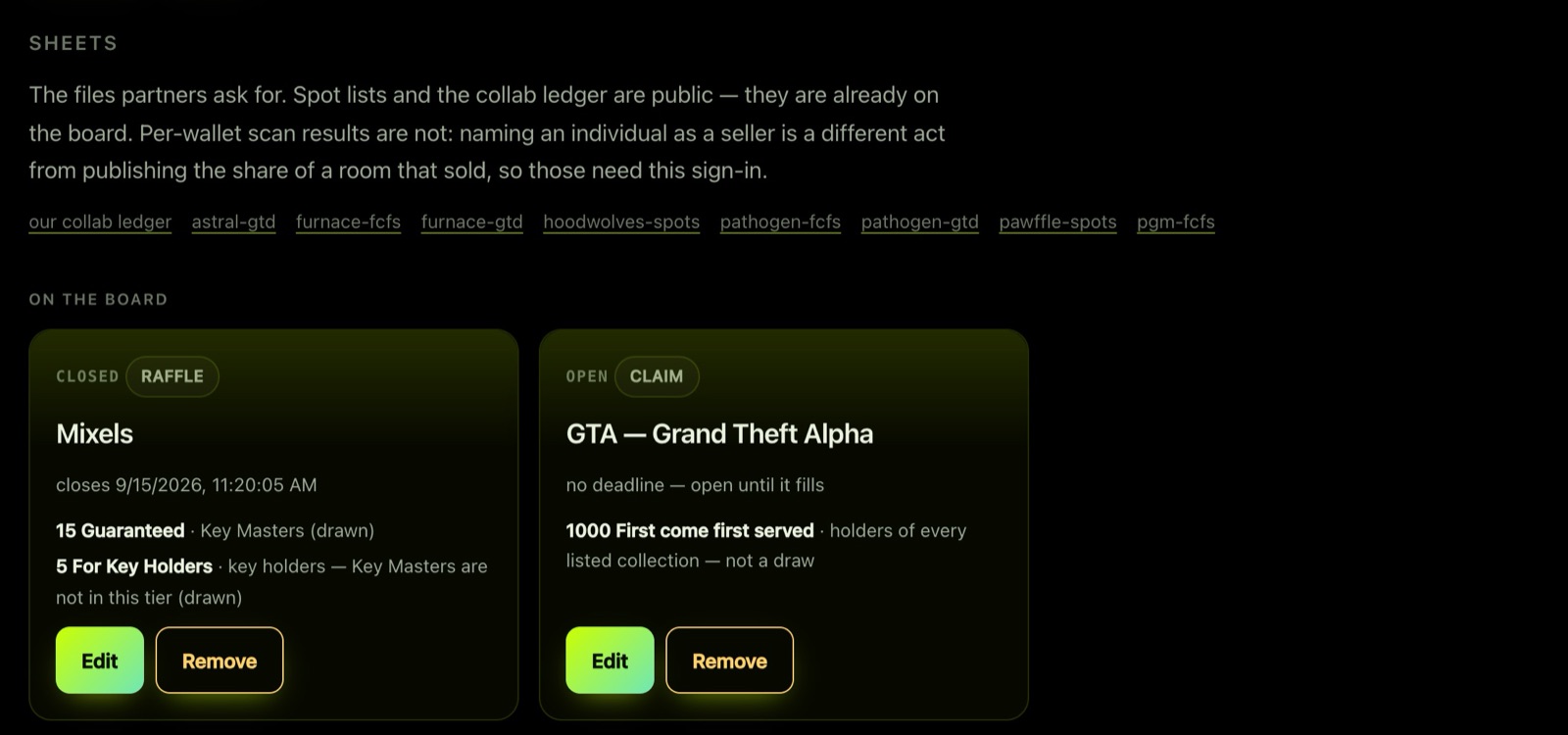
The Sheets panel has the spot lists and collab ledger partners ask for, and On the board lists what holders currently see:
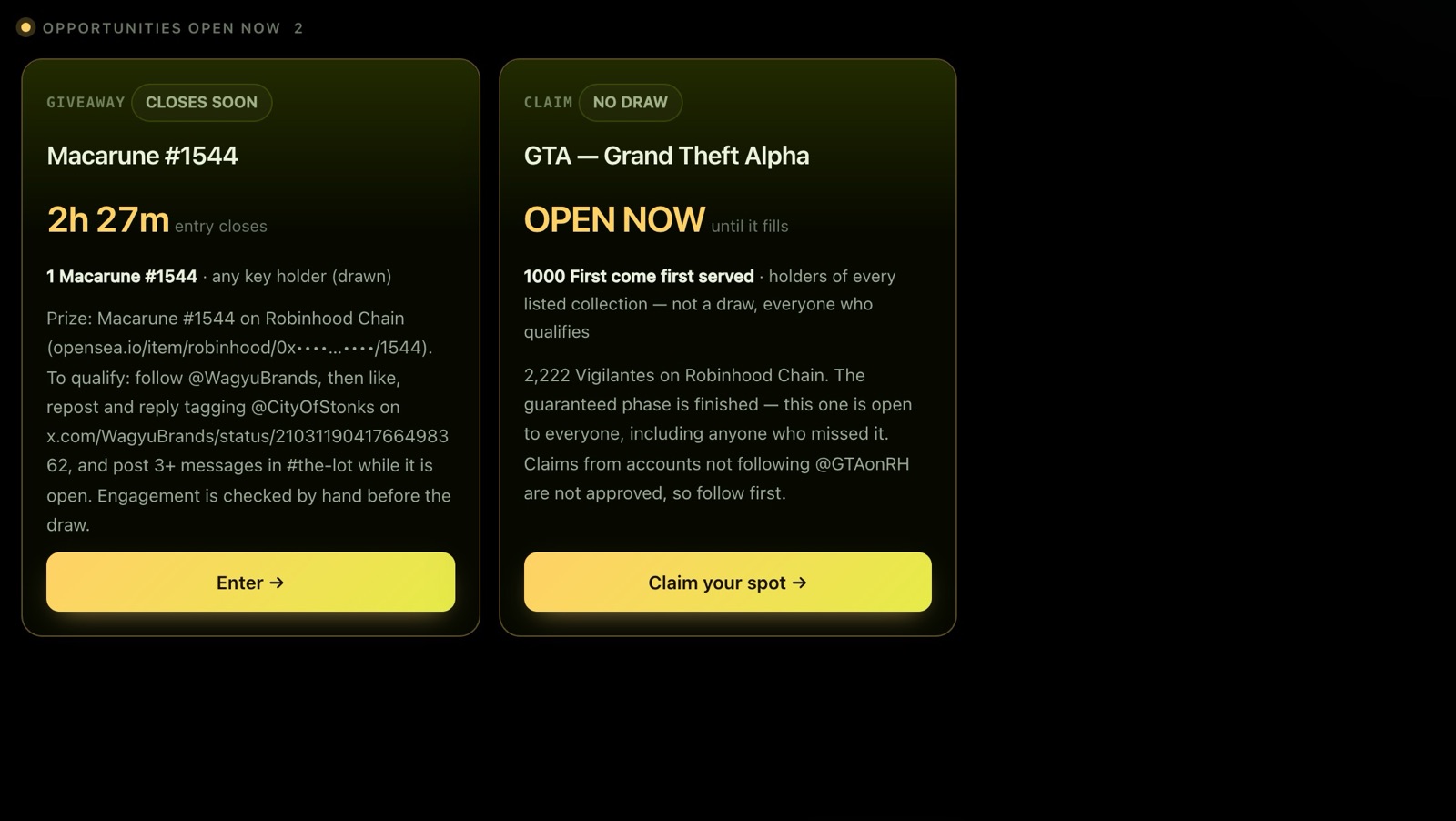
Put the board on your site
Paste this where you want it. It sizes itself, so there is no scrollbar:
<iframe src="https://mintboard.fly.dev/embed"
        id="mintboard" style="width:100%;height:900px;border:0" loading="lazy"></iframe>
<script>
  addEventListener('message', e => {
    if (e.data?.type === 'mintboard:height')
      document.getElementById('mintboard').style.height = e.data.height + 'px'
  })
</script>
Keep your roles honest
In the City of Stonks server, City Bot gives Key Holder and Key Master from the keys in each member's wallets, and grants new roles every hour as people verify or buy more. Members verify by sending 0 ETH to themselves; see Verify your wallet.
Want the same roles for your holders? Ask when you apply. It needs the Manage Roles permission, which the standard invite deliberately does not ask for, so we set it up with you.
Your community dashboard
If your community's board is live, its managers sign in at Project dashboard and get three tabs under Your community:
- Collab requests: offers from projects that want to give your holders spots. Accept or decline each one.
- Holder stats: your published hold rate, every winning wallet's held, listed and sold record, and the rate you would have without the wallets you blacklist.
- Blacklist: stop a wallet winning your future spots, with the reason recorded.
See Profiles and diamond hands for how the numbers are worked out.
Want to run everything yourself instead? See For developers.