For projects
You have a mint coming and spots to give away. Mintboard puts them in front of communities that hold, raffles them fairly, and sends you a clean winners sheet on time.
List your collection
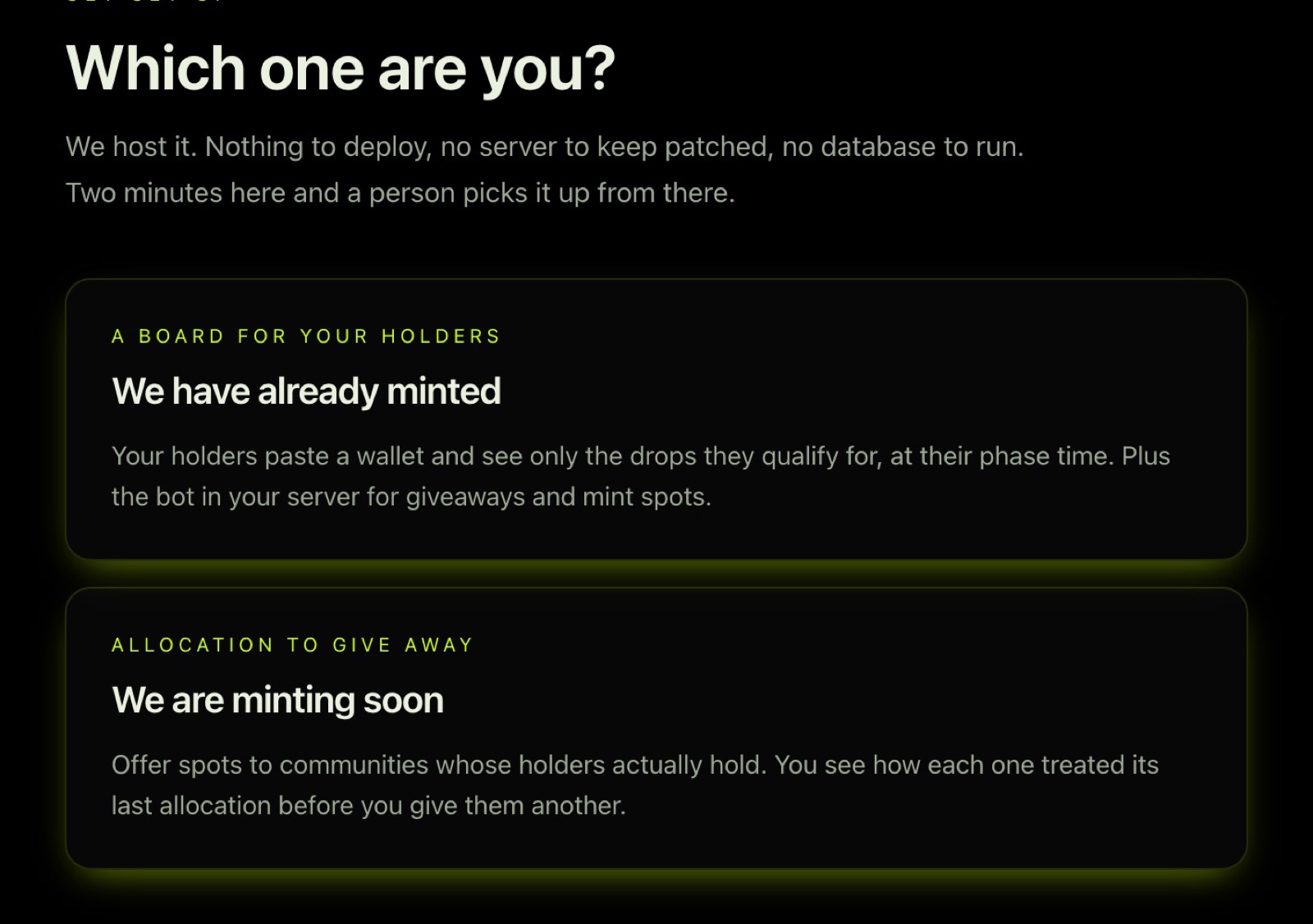
- Apply at Collections → List your collection, or at Get a board and choose We are minting soon.
- Tell us what you are offering. The more of this you give up front, the faster it goes live: - collection name, X handle, chain, and contract if it is deployed - mint date, time and price for each phase (GTD, FCFS, public…) - how many spots, in which tiers - what winners must do (follow, engage a post, give an X handle) - your deadline for the winners sheet
- We check the listing against your own accounts before anything is published. Your contact details are never shown on the public page.
What you get back
- A raffle in the community's Discord, posted by City Bot with your details, your conditions, and the ticket formula in full.
- A draw from a published seed at the time you agree, so anyone can check it.
- A winners sheet with
tier, discord_username, wallet, x_handlefor every winner, sent to your contact. Every row is checked: each winner has a wallet on file and held the required keys when they entered. Where we collect X handles, the sheet says plainly how many are missing. - Your spots on the board. Winners see your mint, their tier and their own countdown, so they turn up at the right time.
The project dashboard
Sign in at Project dashboard with the X account that runs your project.
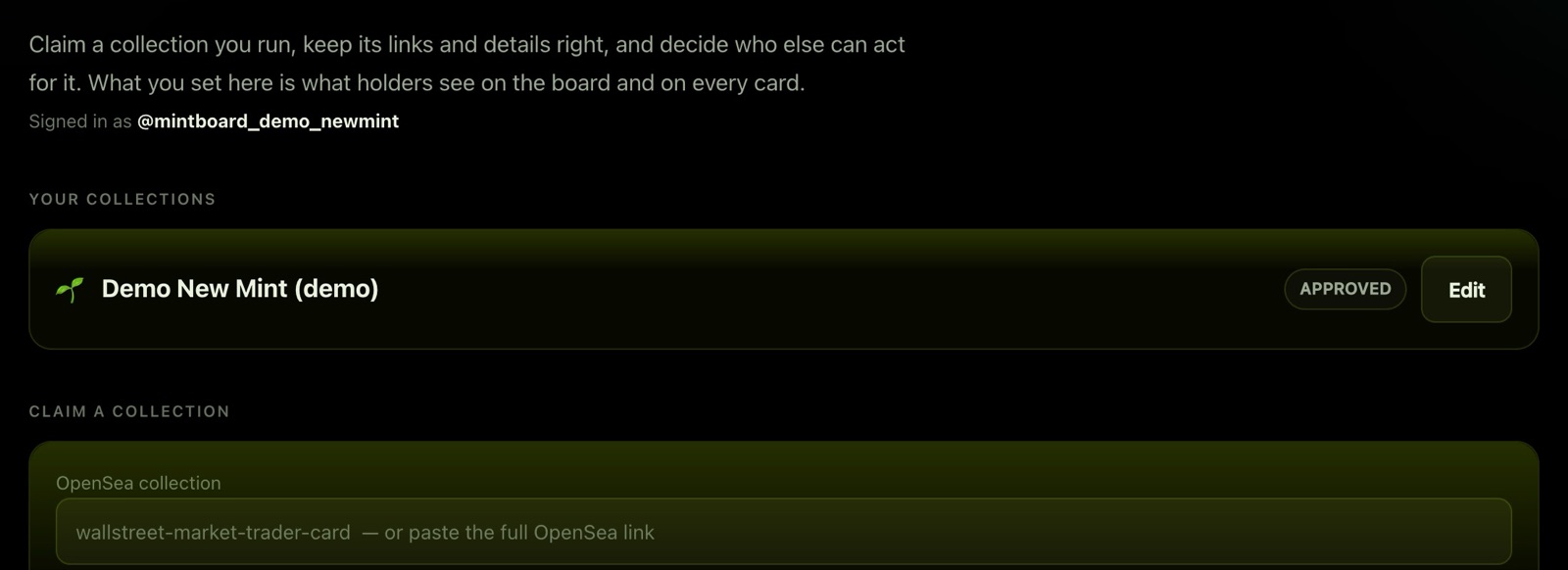
Claim your collection
- Paste your OpenSea collection link (or its slug).
- If OpenSea lists your X account on the collection, the claim is instant.
- If not, it goes to an operator with anything you add in the note. That is a question to answer, not a rejection.
Manage your card
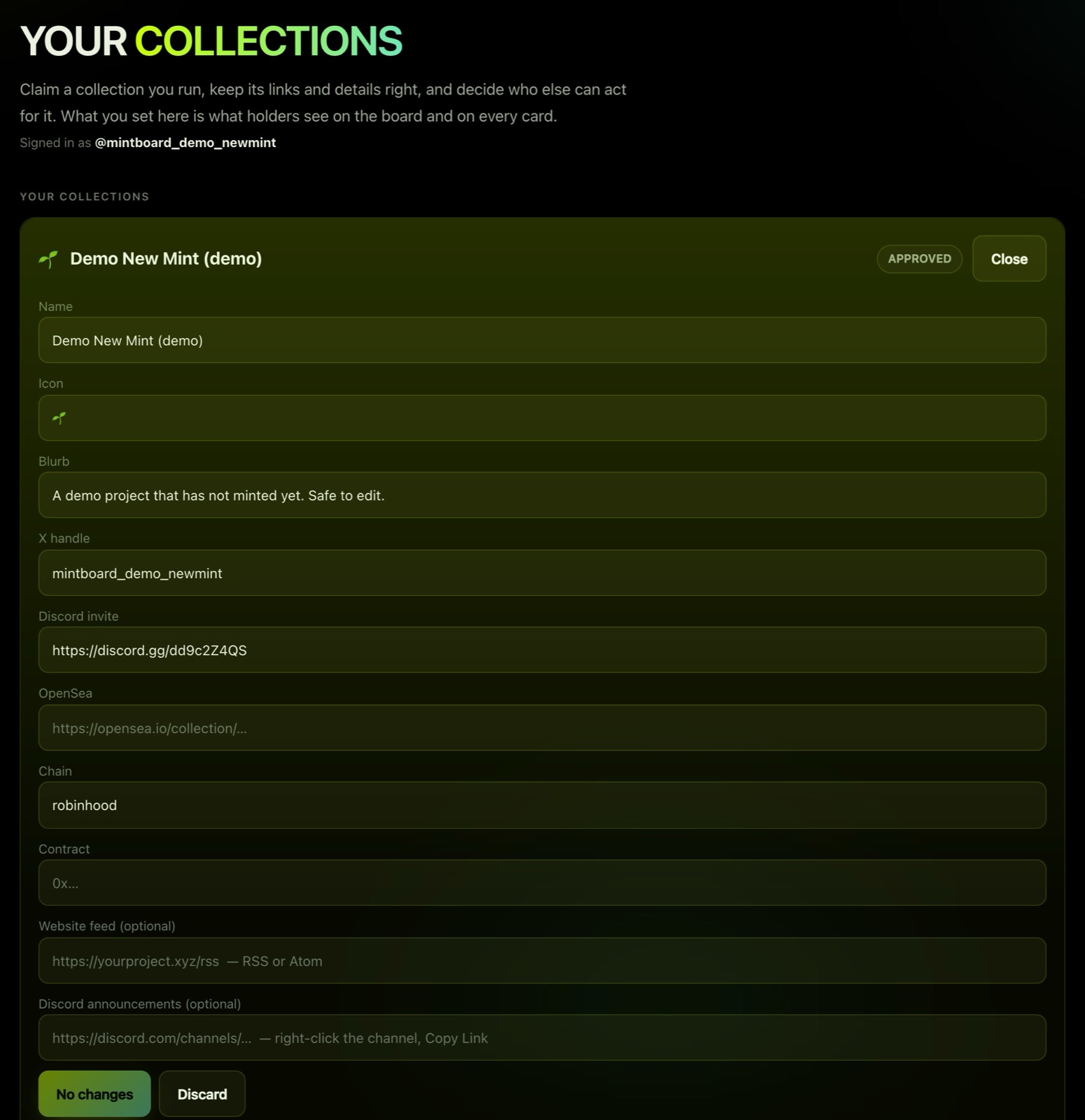
Press Edit on your collection to change its name, icon, one-line blurb, X handle, Discord invite, OpenSea link, chain and contract, then Save changes.
Add your team
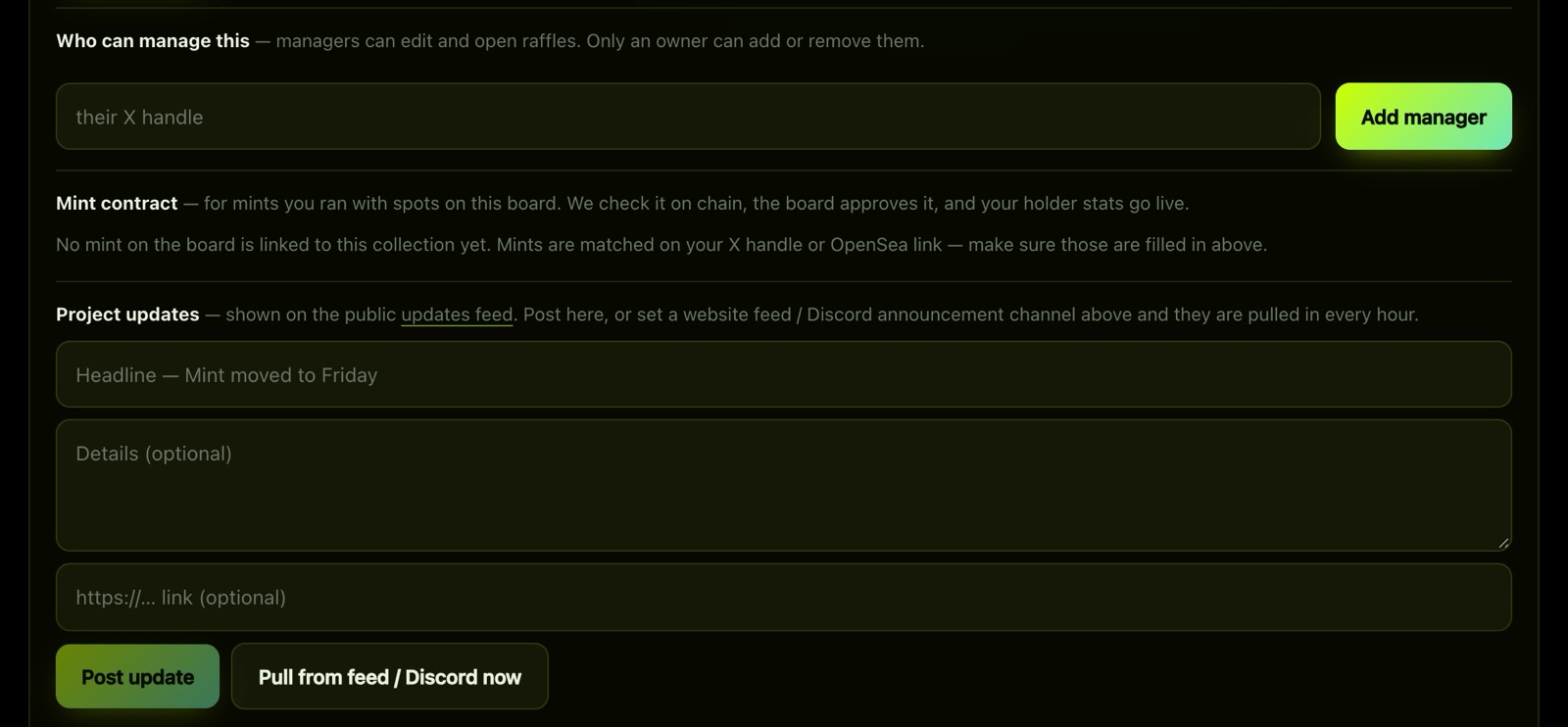
Owners can add managers by X handle. Managers can edit the card; only an owner can add or remove managers.
File your mint contract
Once you have minted, paste your NFT contract under Mint contract. We check it on chain, an operator approves it, and your holder stats go live. Mints are matched to your collection by your X handle or OpenSea link, so keep those filled in.
Post updates
Project updates go to the public Updates feed: a mint moved, a price set, a new phase. Post them here, or add your website's RSS feed or your Discord announcements channel and they are pulled in every hour.
Request a collab
Under Request a collab, offer spots to a community on the board: GTD and FCFS counts, chain, mint date, price, what winners must do, and when you need the list. The community's managers accept or decline from their dashboard, and an accepted offer becomes a raffle for their holders.
How your allocations are measured
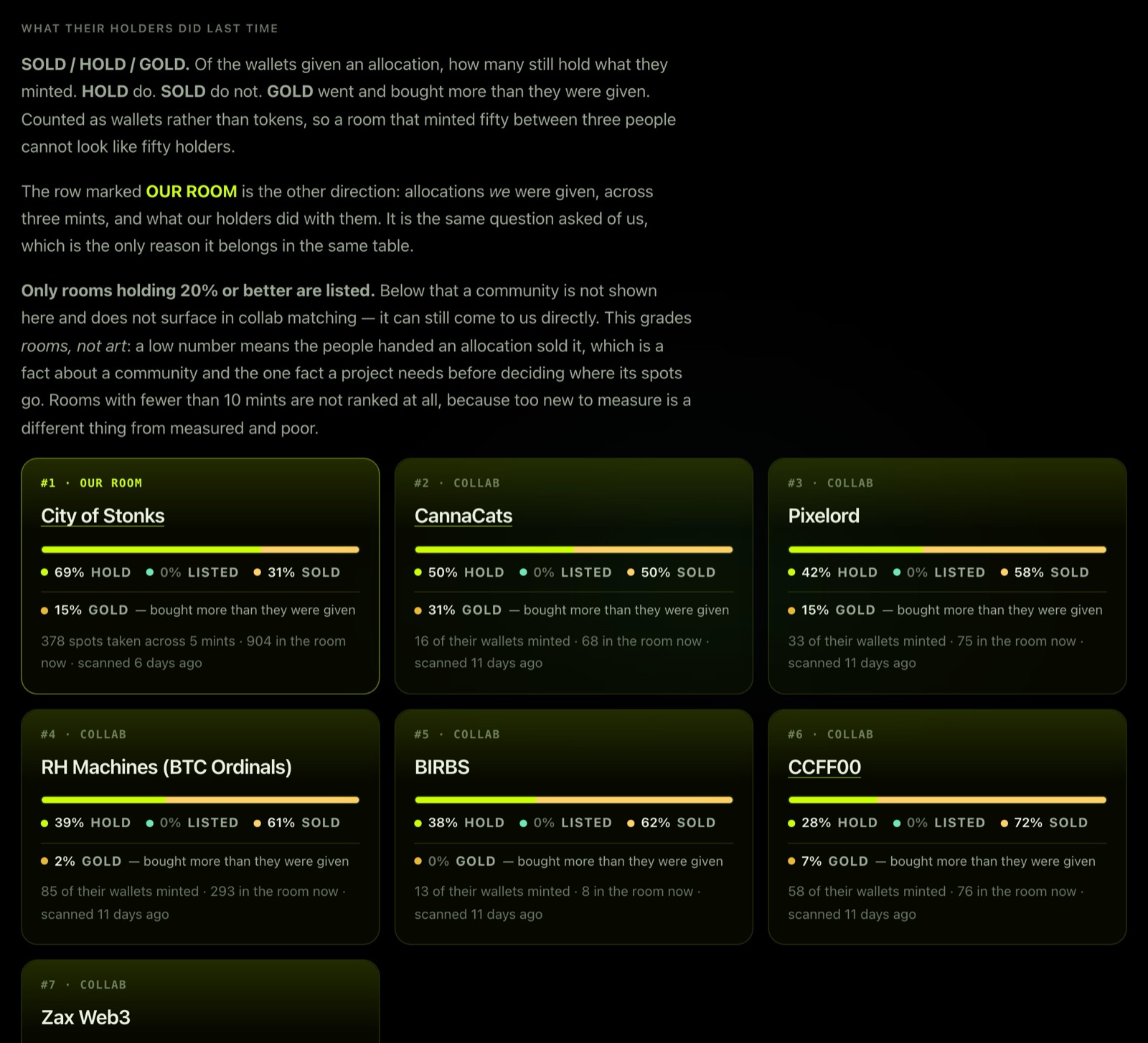
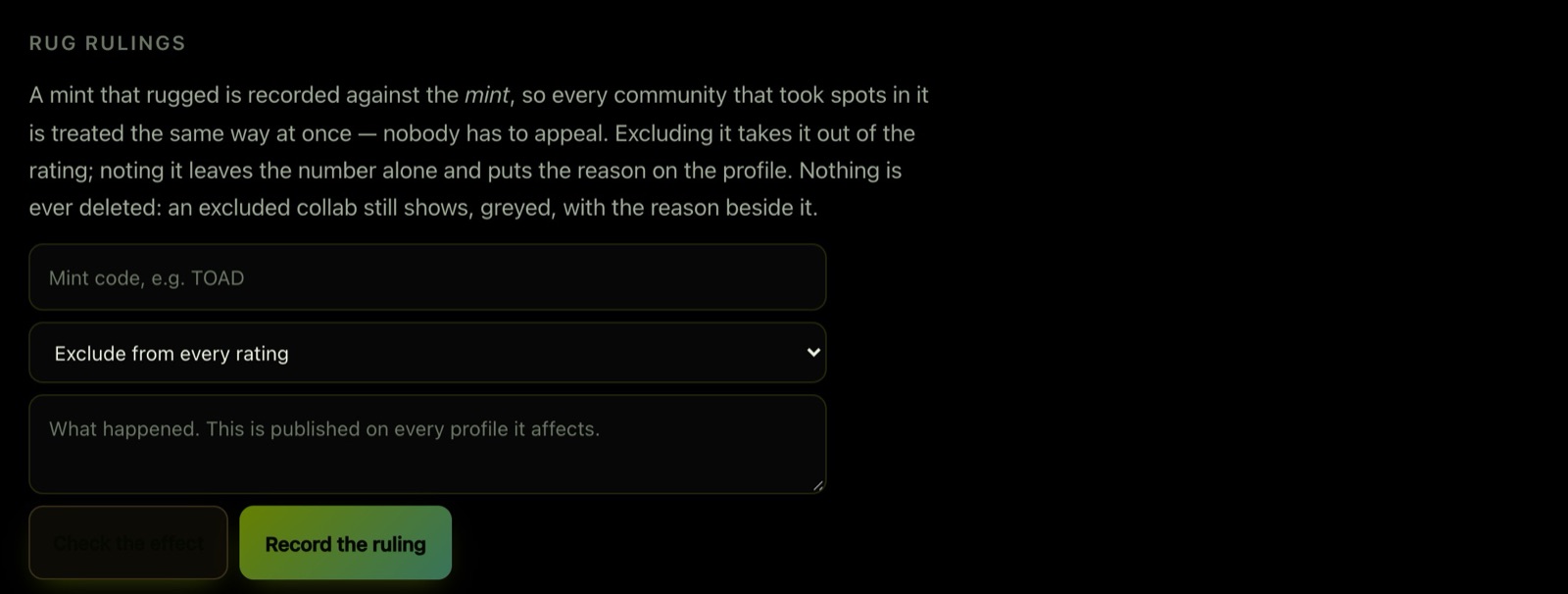
After a mint, we scan the wallets we gave spots to and publish how they held: held, listed (an active listing counts as selling), sold, or never minted. You can see the results under Collections. When a project walks away from its own mint, an operator can rule it out of the scores, and the reason is shown.
Questions? Open a ticket in our Discord.